
How to Remove Black Out Text From Image: A New AI Solution
Published on October 19, 2025
Have you ever been faced with a crucial legal document or a business contract screenshot where the most important clauses, names, or figures have been obscured by heavy black ink? The inability to remove text from image in these situations means a critical loss of information.
Or as a designer, you finally found the perfect stock photo—only to discover a key part of it has been deliberately blacked out. This single redaction renders the entire image creatively useless for your project. The challenge of how to remove black out text from image seems impossible.
1. Why Traditional Methods Fail
The "Pseudoscience" of Brightness and Contrast
Some tutorials suggest "seeing through" black ink by maxing out brightness and contrast. This only works on semi-transparent markings. For solid black (#000000), the original pixel information is destroyed—levels won't bring it back.
The Limitations of Clone Stamp and Content-Aware Fill
- On Document Screenshots: When black covers text, the surrounding background is just blank. These tools will only fill the area with more "blankness", failing to restore any text.
- On Complex Images: For skin or textured clothing, Clone Stamp creates harsh, repetitive patches; Content-Aware Fill may generate mismatched textures.
The fundamental flaw is the lack of logical reasoning or content creation. Once data is gone, traditional methods are helpless.
2. The AIGC Revolution—From "Repair" to "Intelligent Reconstruction"
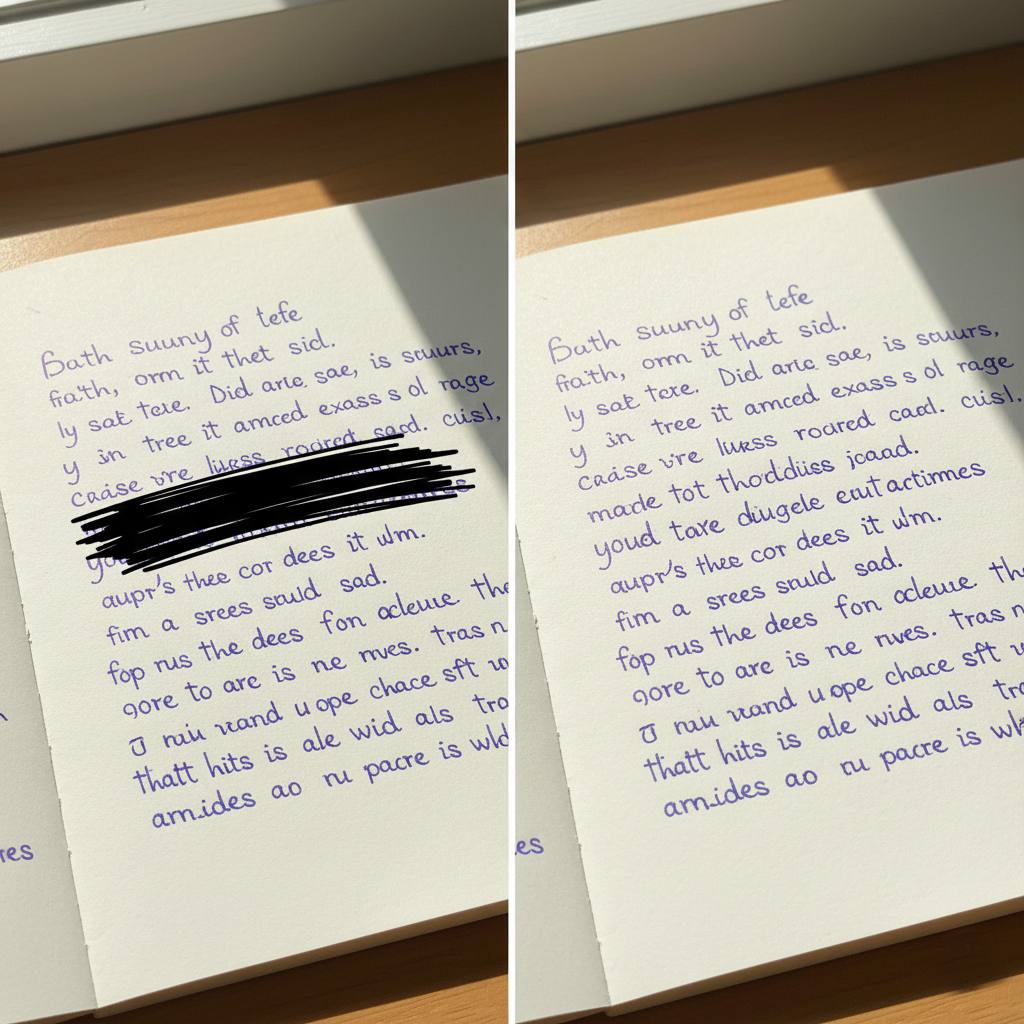
AI's solution comes from a shift in logic: it doesn't "erase" the black ink; it performs intelligent reconstruction and generation based on context.
- Deep Contextual Understanding: For documents, AI identifies font, size, line spacing, and sentence semantics. For photos, it analyzes lighting, textures, color gradients, and perspective.
- Generative Fill: Based on understanding, AI generates what should be there. For documents, it produces plausible text in the exact same style. For images, it generates seamless, natural textures and details.
| Feature | Traditional Tools (Photoshop) | AIGC Intelligent Reconstruction |
|---|---|---|
| Principle | Copies/blends nearby pixels | Understands context to generate new content |
| Document Task | Fails, fills with blank space | Intelligently generates context-appropriate text |
| Image Task | Creates obvious, artificial flaws | Generates seamless, natural textures and details |
| Outcome | Destructive "Repair" | Creative Reconstruction |
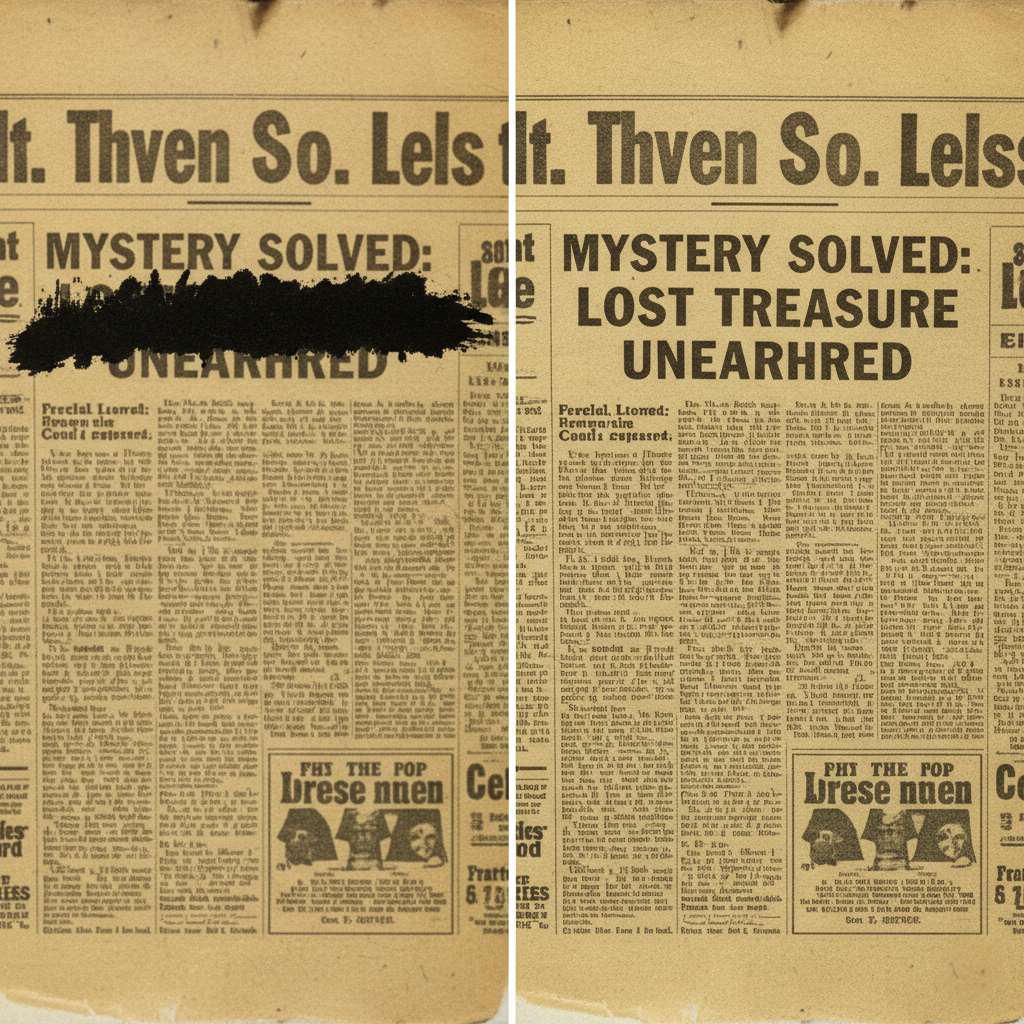
3. Experience the Future: Bring Your Information Back to Life
This once-distant technology is now available in a powerful and user-friendly online tool. If you need to remove text from image, our solution is the answer. We finally know how to remove black out text from image.
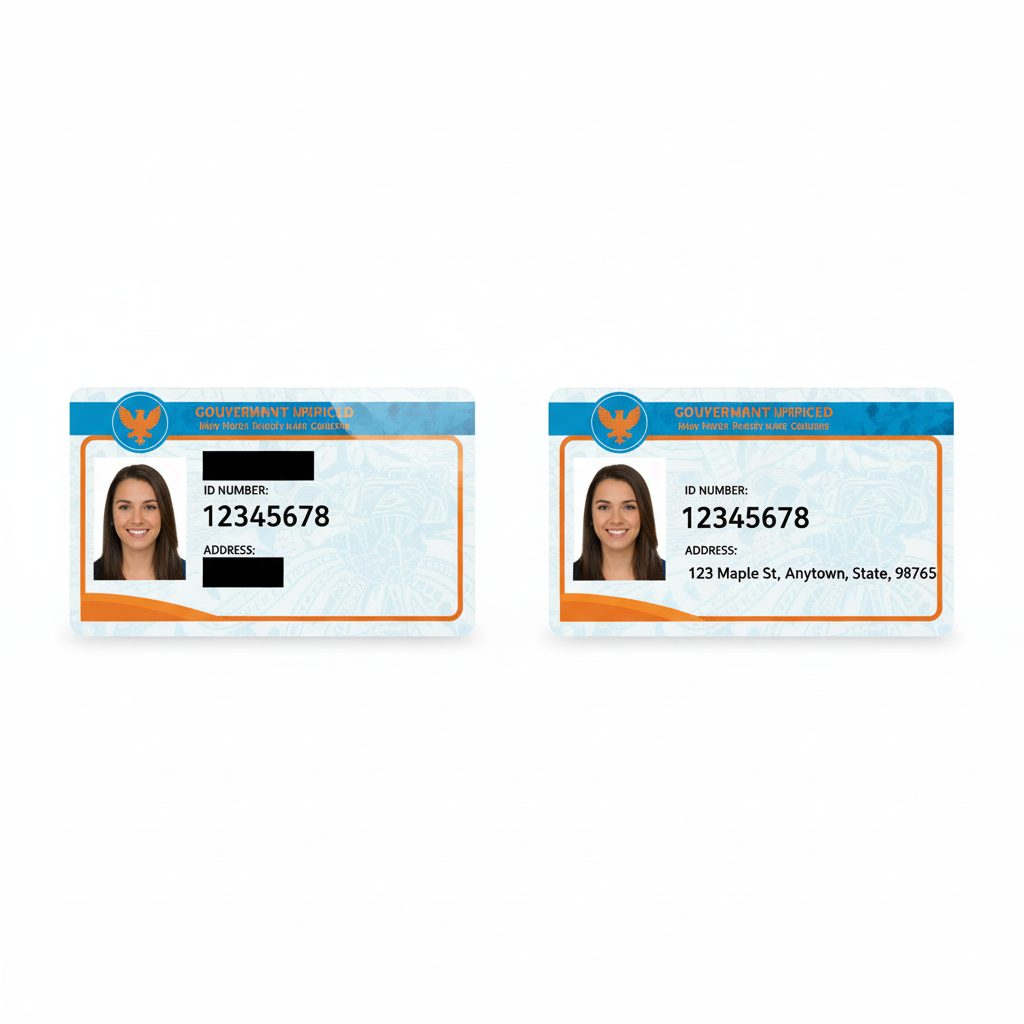
For serious applications, AI offers a "most probable reconstruction" based on context, not "100% true restoration." For creative projects, it completes visuals seamlessly and unleashes your potential.